
Develop on this computer
Run your apps and their backend on this computer while you build, and publish them to Microsoft Fabric when you choose.
Each app you build runs on this computer from the moment you create or open it: its pages, its data, sign-in, functions, connectors and file storage. You can build and try an app without a Fabric workspace, and Copilot checks its work against the running app. When you want other people to use the app, you publish it to Microsoft Fabric.
Note
Earlier versions of Fabricator ran apps this way only with the Local development experiment on in Settings → Experiments, and never ran team apps this way. Now every app runs on this computer, and the setting is gone. Publish after each chat turn is now off unless you turned it on yourself: until you turn it on, chat turns don't publish your apps. See Publish after each chat turn.
Team apps run on this computer too, with your own local data, but the team pipeline publishes them: Publish in a team app deploys your preview, then merges your changes for the pipeline to publish. See Work on a team app.
What runs on this computer
When you open an app, Fabricator starts its local backend, rayfin-local, which comes with Fabricator. Setup lists it as Local backend with your tools, and checks that it runs. If Windows or your antivirus blocks it, see Windows blocked rayfin-local. The local backend runs:
- The app's own Vite dev server, which the preview shows. Copilot's edits show up as it saves them.
- The app's data API, with the access rules of its entities, over a local database that starts empty, or with the project's seed data.
- Sign-in, with a local Fabric sign-in page. Apps created from Rayfin's Universal App template sign you in by themselves.
- The app's functions. They build again when their code changes, and so do their generated types, which the app's pages use to call them.
- Connectors to Fabric data: semantic models, SQL databases, warehouses and lakehouses.
- File storage.
The local backend keeps running between chat turns and picks up each change: a change to the data model updates the local database, functions build again, and changes to rayfin/rayfin.yml apply. When it rebuilds something the page uses, the preview loads the page again once things settle.
At most two apps run at once: the one you have open and the one you had open before it. Fabricator keeps each app's output for its Output tab in the terminal and for Help. For how it works, see The local backend.
Who the app runs as
- Sign-in. The app signs in as you: your Microsoft Entra account from the Azure CLI or, when the Azure CLI isn't signed in, the Fabric account in use. When neither is signed in, it signs in as a local account,
developer@example.com. To try it as someone else, use Preview as. - Connectors, and functions that ask for tokens, run as you, with your Azure sign-in. That's true even for connections set to application access, which run as the app identity once the app is published. So a call that works on this computer can still fail in the published app, when the app identity can't reach the data.
- Semantic models are queried with your Azure sign-in too. When Power BI turns it down, the local backend uses your Rayfin CLI sign-in instead, and the first time, a browser window can open for you to sign in and let the Rayfin CLI query Power BI for you. See Power BI turned down your sign-in.
- Without an Azure sign-in, the app still runs, but its connectors and those functions can't get a token. To sign in, see Manage your accounts.
What runs only on Fabric
A few things don't run on this computer:
- KQL database (Kusto) connectors. Until the app is published, its calls to them fail in the preview.
- Rayfin releases older than the lines Fabricator runs, such as 1.36.x and 2.0.x. An app on an older release can misbehave here. See Keep Rayfin up to date.
An app on a newer Rayfin release runs on this computer anyway, and a note above the preview says "This app uses Rayfin <version>, which is newer than the Rayfin versions Fabricator runs on this computer, so some things might not work as expected." If a published app on a newer release can't start here, its preview uses the published app's backend instead. See The preview says some things might not work.
When a published app needs one of these, its preview uses the published app's backend instead, and says why, for example "The logs connector runs only on Fabric, so the preview uses your published app’s backend." The preview then runs your app's frontend on this computer against the published backend, so changes to data, permissions or functions reach that backend when you publish. While Publish after each chat turn is on, it does that only during chat turns, and shows your published app the rest of the time. There's no Local and Published switch, and the Data explorer still shows only the local data. After a chat turn that changes the app's packages or rayfin/rayfin.yml, and when the app's Rayfin version changes, for example after you update it with Copilot or in the terminal, Fabricator checks again whether this computer can run it. An app that was never published has no published backend to use, so it runs on this computer anyway. See The preview uses your published app's backend.
A team app uses the team's deployment of it instead: your preview when it's deployed, otherwise the published app. Chat turns never publish a team app, so its preview runs this way the whole time the app is open. See Work on a team app.
Some things work on this computer but can fail once the app is published:
- Entities that grant the
anonymousrole work here, but most Fabric tenants refuse them when you publish. - Connections set to application access run as you here, and as the app identity once published.
The Advisor flags connectors that run only on Fabric, Rayfin packages outside the line Fabricator runs, and entities that grant the anonymous role.
Watch your app in the preview
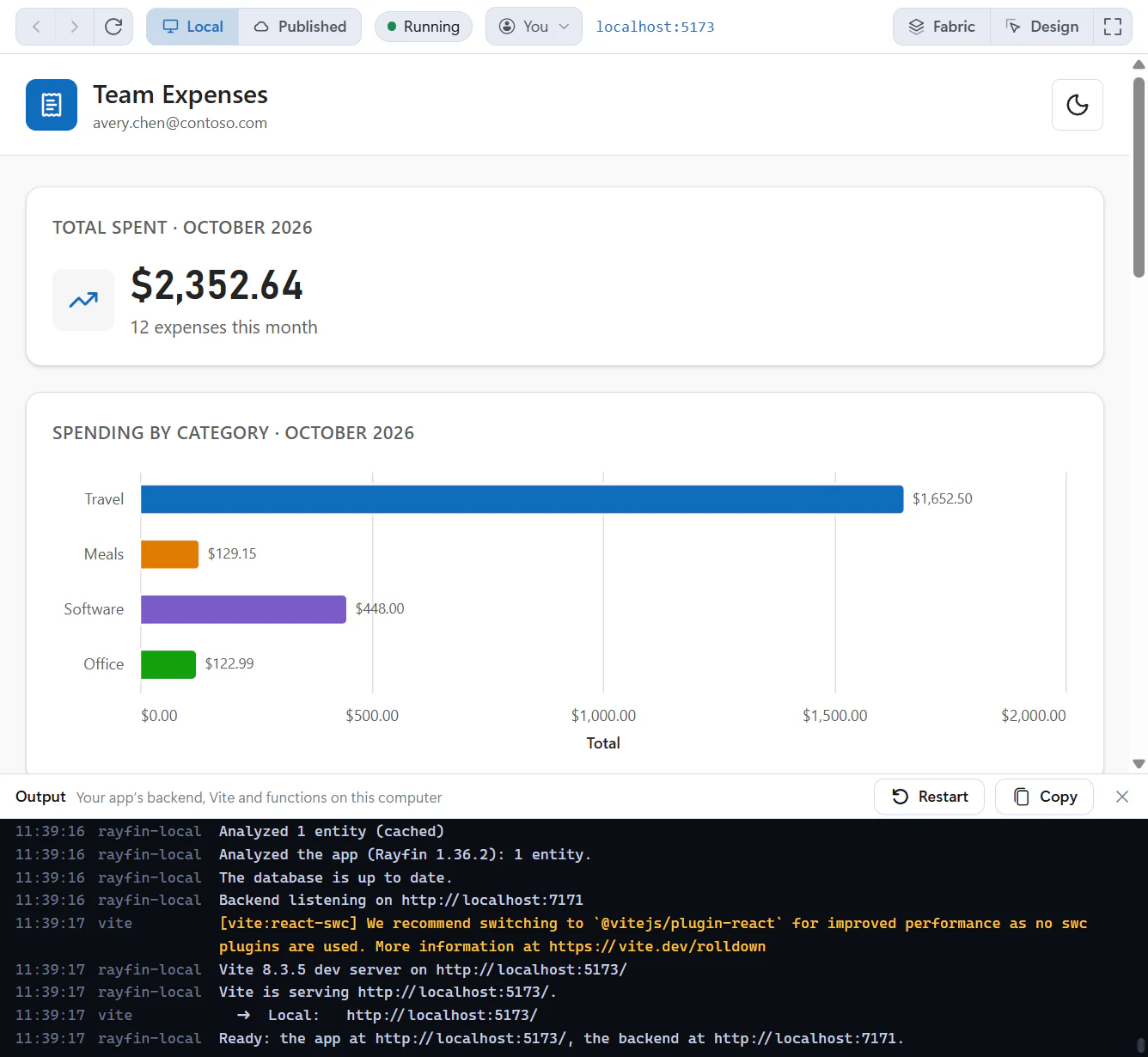
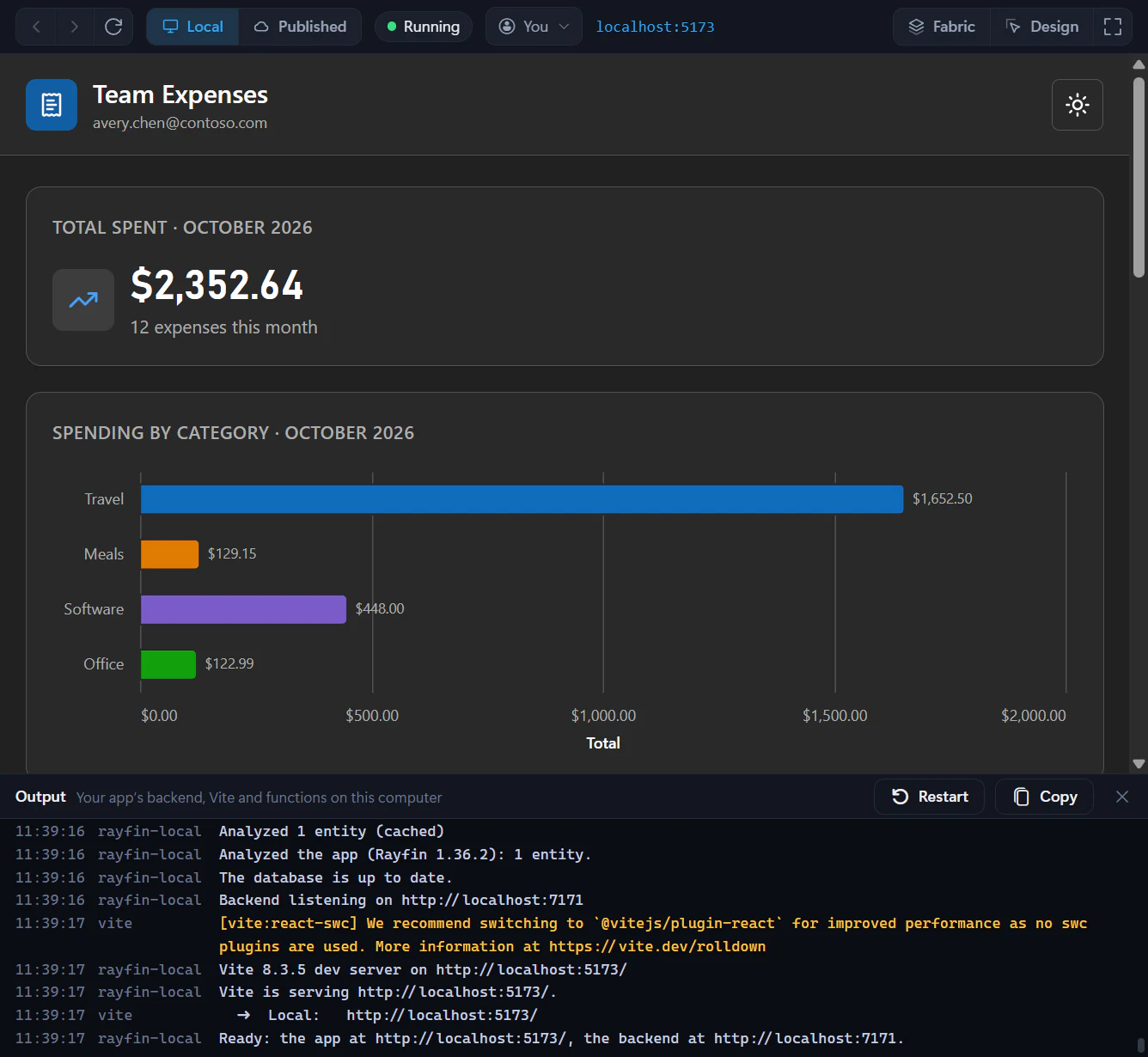
The preview shows your app at a localhost address. While it starts, the preview says what it's doing. Output, in the preview toolbar, opens the output of your app's backend, Vite and functions in the terminal below your project, with Restart app. It shows a dot only when your app needs a look, and the number of problems, such as 1 problem, when a change didn't apply, such as a data model that couldn't be read. When the app can't start, the preview says why and offers a fix, such as Install dependencies or Stop the other one, with Try again, View output and Find out why, which asks Help. See Your app on this computer and Your app doesn't start on this computer.
After each chat turn that changes your app, Fabricator saves a version in Code → History, named after your request, so you can restore an earlier one.
Try the app as other people
Preview as, in the preview toolbar, chooses who the app signs in as on this computer: you, a test user, or no one. Test users need no password and appear only on this computer. Use them to check that each person sees only what their access rules allow. See Preview as someone else.
See and clear local data
Blueprint's Data explorer shows the rows of each entity, the files the app stored and the app's local users, as the local backend stores them. You can't edit rows or files there, but you can clear an entity's rows, delete stored files or a local user, or reset all of the app's local data. It also loads the project's seed data, and saves the local data as seed data. See See your app's local data.
Start with seed data
Seed data is data a project brings for its local data while you build: rows for its entities and files for its storage folders, in the project's rayfin/seed folder. It's part of the project's code, so it's in History and goes to GitHub with the app, but publishing doesn't send it to Fabric. Everyone who opens the project can start from the same data, including rows that belong to people who sign in.


When an app's local data is empty and its project has seed data, a note above the preview offers it: "This app comes with seed data (24 rows and 5 files). Its local data is empty: load the seed data to start with it." Select Load seed data to load it, or dismiss the note. You can load the seed data any time from Blueprint's Data explorer, which replaces the local data. See Load or save seed data.
There are two ways to make seed data:
- Save your local data. Use the app in the preview until it has the data you want, then select Save as seed data in the Data explorer.
- Ask Copilot. Copilot writes the seed files, checks them against the app, and loads them while the local data is empty.
Add seed data for local development: four expense categories, and a dozen expenses across them from the last month. Make most of the expenses mine and three of them from a test user, ana@example.com, and add two small receipt files.Seed data keeps who each row belongs to, so each row shows up for the right person. Rows that belong to the person who made the seed data load as yours, whoever loads them. Rows that belong to a test user such as ana@example.com load as that test user's, and loading adds the test user to the local users. For the folder's format, see Seed data.
Set secret values for this computer
In Code → Secrets, each secret has a Local value, which the app's functions read while the app runs on this computer, and once the app is published, a Published value. Local values stay in the project's .rayfin-local folder, outside your code and History. See Values on this computer and on the published app.
When a data model change would delete local data
When the data model changes in a way that would delete data stored on this computer, the local backend doesn't apply the change, and nothing is deleted until you decide.
- If the app is running, it keeps the previous data model, and the preview says: "A data model change is waiting. It would delete data stored on this computer, so your app still uses the previous data model."
- If the app was starting, it doesn't start, and the preview says "This change would delete local data".
Once no chat turn is running, Fabricator opens This change would delete local data. It lists the data the change deletes, and offers three choices:
| Choice | What it does |
|---|---|
| Delete this data and apply | Deletes only the data listed, then applies the change. |
| Reset local data | Deletes all of the app's local data, its test users and files, then applies the change. |
| Keep the current version | Keeps your data and the data model you have now. An app that was starting stays stopped until you choose. |
Your published app and its data aren't affected. To open the dialog again, select Review the change in the preview.
To keep your data and still make the change, ask Copilot to change the model so the data can stay:
The last change to the data model would delete data stored on this computer. Change the model so the existing data can stay, for example with an optional field or a default value.Copilot sees the same refusal when it checks its work, and tells you what the change would delete instead of working around it. See A data model change would delete local data.
How Copilot checks its work
Copilot doesn't start the app, run a dev server or publish: Fabricator runs the app, and publishing is your choice. Copilot checks its work with static checks, such as type-checking and the build, and unit tests that run once. After it changes entities, functions, connectors or rayfin/rayfin.yml, it checks the local backend for problems, then calls the app's data API, functions and connectors as you, as a test user or signed out. That's how it shows that an access rule refuses the people it should. After it changes the seed data, it checks it against the app without changing your local data.
These checks show in the work log as steps such as Checked the local backend, "Called the app's data API while signed out" and Checked the seed data. See Chat with Copilot.
Publish your app
Your app doesn't need to be published to run, so publishing is up to you:
- In the app bar, select Publish.
- Pick a Fabric workspace, then select Publish.
Your app stays in the preview while it publishes. Once it's published, the preview toolbar has Local and Published.
The published app has its own data: publishing doesn't copy the local data to Fabric. Its secrets need published values too. Publish after each chat turn is off until you turn it on in the publish control's panel: then Fabricator publishes your changes after each successful chat turn. See Publish to Microsoft Fabric.
An app you published before it ran on this computer starts with empty local data, and its published app keeps its data. Until you select it or look at Published, the info button beside Local and Published in the preview toolbar is blue: select it for a short note on how the two differ.
Where its files are
Each app keeps its local state in a .rayfin-local folder in its project folder:
- The local database, with the app's data, its local users and their sessions.
- The files the app stored.
- The local backend's signing keys.
- The local values of its secrets.
The folder has its own .gitignore, so git ignores it: it isn't in History, and it doesn't go to GitHub with the app. The Advisor flags Local backend folder isn't git-ignored if git could commit it. Copilot, Help and the Advisor's deep review don't open the folder. To see or clear the data, use the Data explorer. See Files and folders.
Live preview
Use the preview pane to watch your app change as Copilot works, see it on this computer or as published, preview it as other people, and handle busy preview ports.
Point & Edit
Point at parts of your app in the live preview, clip a screenshot or draw on one, and tell Copilot in chat what to change.