
Share your app
Give people in your Microsoft Entra tenant access to a deployed app by email, including Build access to semantic models the app reads from other workspaces.
After an app is deployed, you can share it with people or groups in your Microsoft Entra tenant. Fabricator grants access in Fabric and then lets you copy the app link.
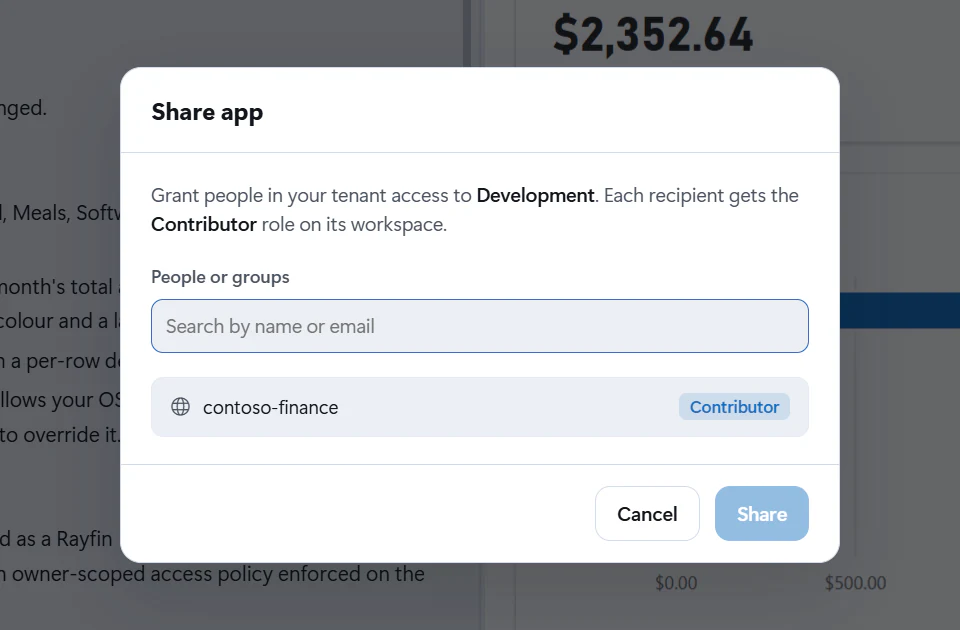
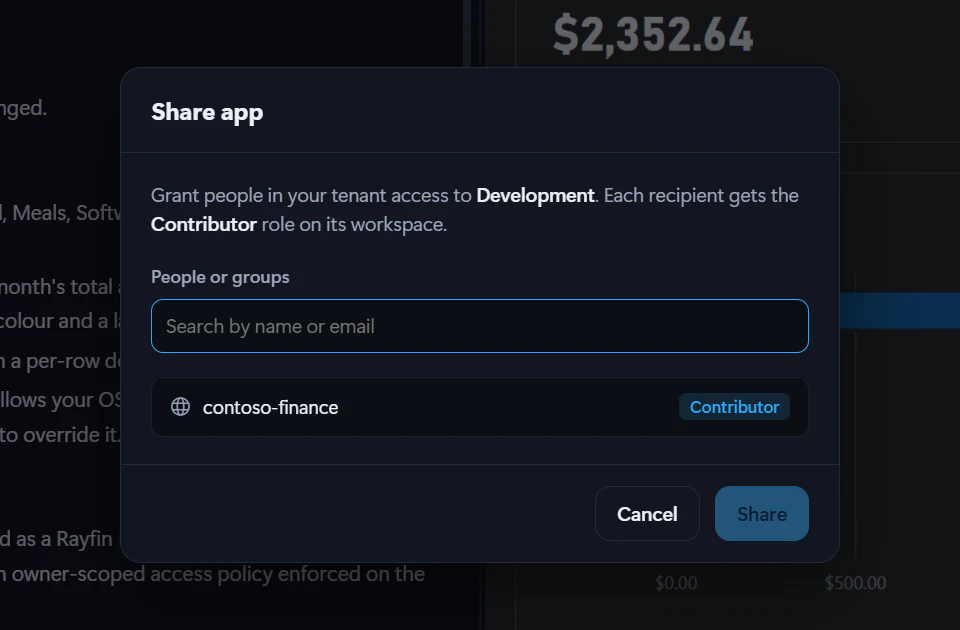
What sharing grants
For each recipient, Fabricator grants:
- Contributor on the deployed app's Fabric workspace.
- Build access to each semantic model the app uses from a different workspace.
Semantic models in the same workspace are marked Covered by workspace because the workspace role already covers them.
Important
Contributor is broad workspace access. Share only with people who should be able to contribute to the app's Fabric workspace.
Share a deployed app
- Deploy the app first. See Deploy to Microsoft Fabric.
- In the app bar, select Share.
- In Share app, use People or groups to search by name or email.
- Add one or more recipients.
- Review the access list. The app workspace is tagged Contributor. Semantic models from other workspaces are tagged Build.
- Select Share.
- When sharing succeeds, select Copy link and send the app URL to the recipients.
- Select Done.
The result list shows Shared, Already had access, or an error for each app and model grant.
What recipients need
Recipients need to be resolvable in your Microsoft Entra directory. Fabricator's autocomplete uses Azure CLI sign-in for Microsoft Graph directory search; if that sign-in is missing, you can still type an email address, but sharing may ask you to sign in to Azure.
To open the app, recipients need the app URL or they can find it in the Fabric portal if they know the workspace. If the app uses semantic models from other workspaces, Fabricator grants Build access so the app can read them.
Same tenant only
Fabricator's share dialog is built around people and groups in your tenant. I could not verify guest-user support in the app source, so do not rely on it from Fabricator.
Removing access
Fabricator's local deployment share dialog does not include a remove-access action. To remove access, manage the workspace role or semantic model permissions in Microsoft Fabric or Power BI.
Team workspace apps use the team workspace's app access flow instead of this local deployment share dialog. See team workspace members.
Deploy to Microsoft Fabric
Deploy your app to a Fabric workspace with one click, understand automatic redeploys after chat turns, and manage deployments across workspaces.
Check app health with the Advisor
Use the Advisor's grade, quick checks and read-only Copilot deep review to find security, data and quality issues, then fix, verify, dismiss or mute them.