
What is Fabricator?
Fabricator is a desktop workbench for building Rayfin apps with Copilot, live preview, and Microsoft Fabric deploys.
Fabricator helps you build Rayfin apps in one desktop window. You describe the app you want, watch GitHub Copilot edit the project, preview the running app, deploy it to Microsoft Fabric, and keep refining from chat.
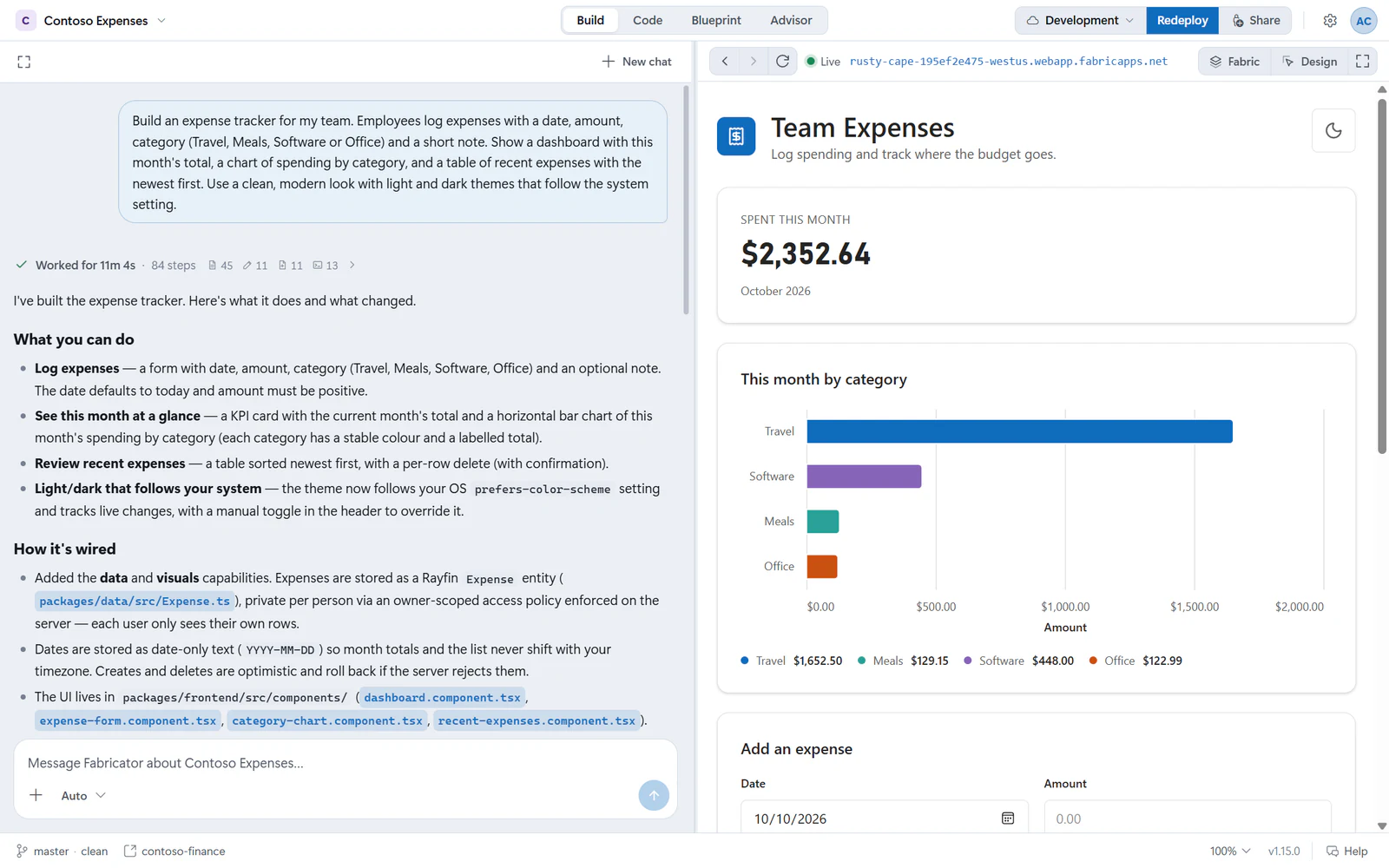
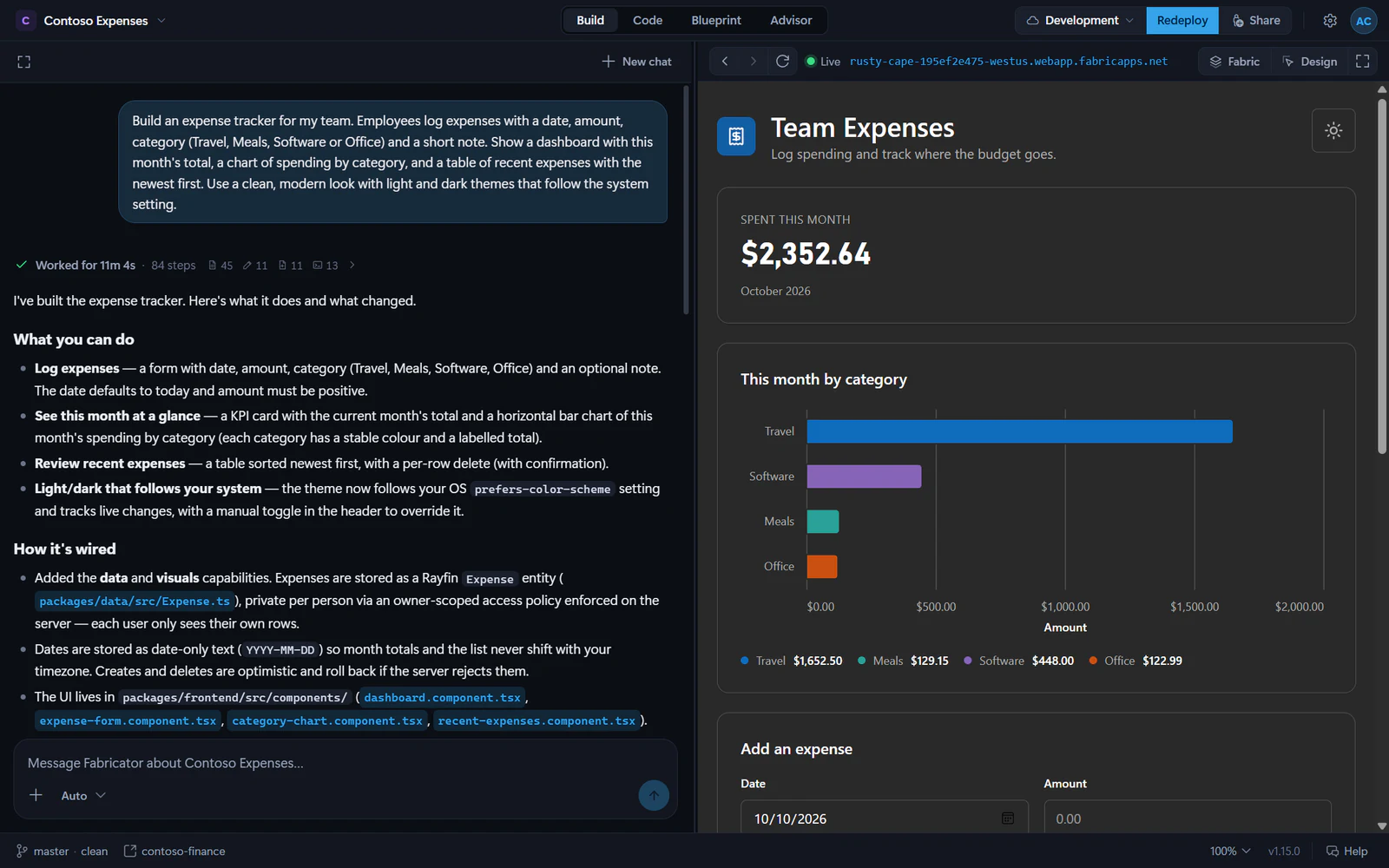
The build loop
- Create or open a project, then deploy it to a Fabric workspace if it is not deployed yet.
- Describe the app in plain language.
- Watch the work log while Copilot changes files and runs checks.
- Preview the app in the same window. After each successful turn, Fabricator redeploys the changes to Fabric.
- Refine the app with another prompt, a visual Design change, or an Advisor finding.
Rayfin is the app platform your project uses. Fabricator creates and edits Rayfin projects, then runs the project's Rayfin tooling for deploys. Microsoft Fabric is where the app is hosted and shared; see Rayfin's Fabric app deploy docs for the platform background.
Who Fabricator is for
Fabricator is for people who want to make Rayfin apps without living in a terminal. It can help if you are:
- Trying Rayfin for the first time.
- Turning a business workflow into a small app.
- Iterating on a data model, UI, or deployment with Copilot.
- Reviewing generated code, history, and app health in one place.
You do not need to pick a template for a new app. New project asks for a name, creates the app from the Rayfin CLI's default Universal App template, then moves to the Deploy step. For local projects, chat stays locked until the app has a Fabric deployment.
Note
Fabricator is a personal project by Sachin Patney. It is not a Microsoft product and is not affiliated with, endorsed by, sponsored by, or supported by Microsoft.
What you need
Before you start, check the system requirements. In short, you need:
- Windows 10/11, or macOS on Apple Silicon.
- Node.js 22.12 or newer, npm, Git, and the Azure CLI.
- A GitHub Copilot account.
- Microsoft Fabric access and an eligible Fabric or Power BI Premium capacity for deploys.
- Optional GitHub CLI (
gh) for repository browsing and cloning.
Next steps
Install Fabricator
Download the current desktop app for Windows or macOS.
Build your first app
Create a project, deploy it, and send your first prompt.
Tour the workbench
Learn where Home, chat, preview, code, model, Advisor, and settings live.
Ask Help
Find out why something failed, in plain language, without leaving the app.
Troubleshooting
Find fixes for setup, sign-in, chat, preview, deploy, and team workspace problems.