
What are team workspaces?
Build Rayfin apps with teammates in a private GitHub repository, with personal previews and a pipeline that publishes to Fabric.
Warning
Team workspaces are an experiment. Turn them on in Settings → Experiments. They may change or be removed in a future update.
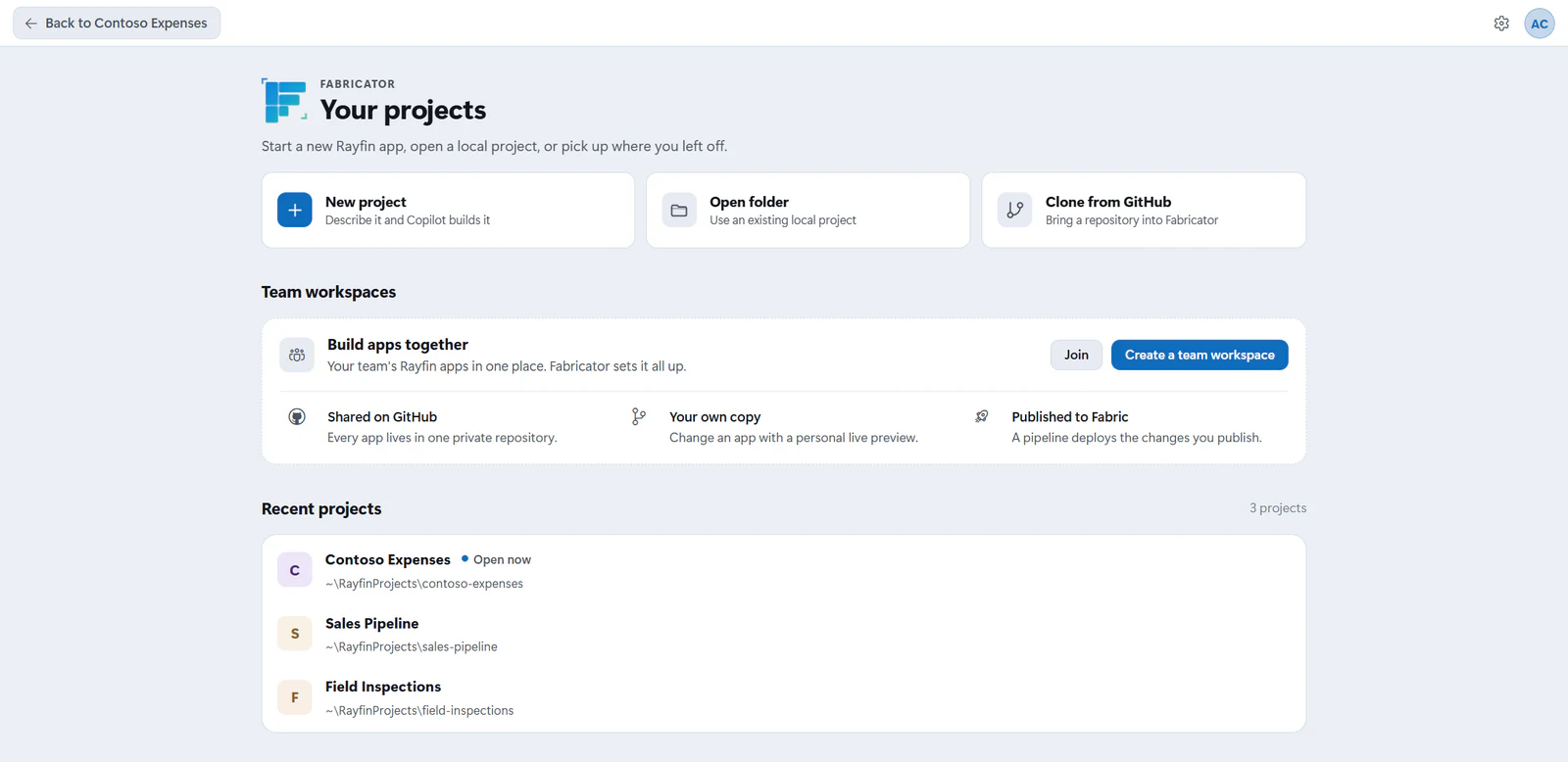
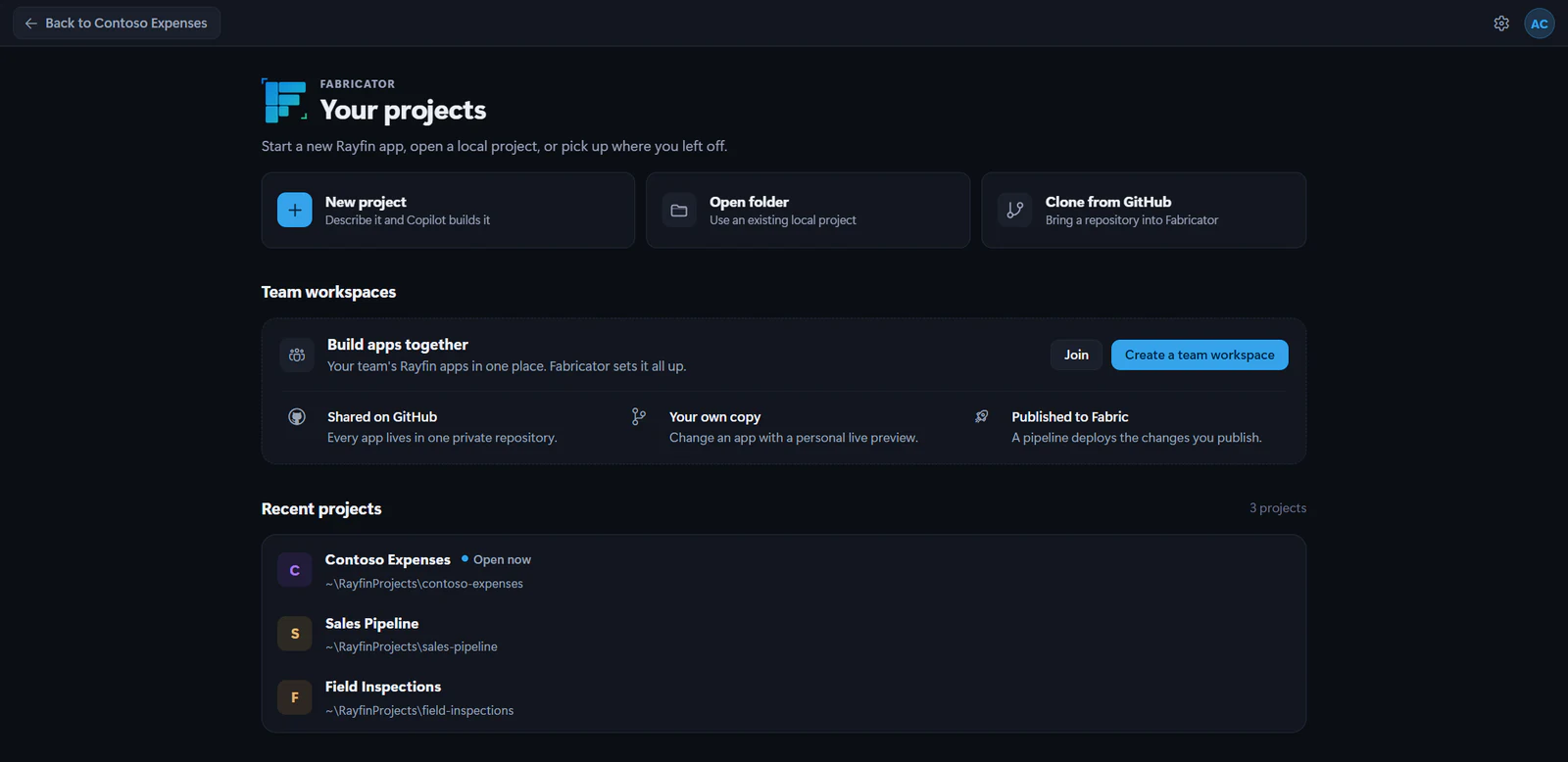
Team workspaces let several people build Rayfin apps together without sharing one laptop or one deployment. Fabricator keeps the team's apps in GitHub, gives each person a working copy and a personal preview, and publishes the shared app through a GitHub Actions pipeline.
How a team workspace works
A team workspace is one private GitHub repository. Each top-level folder that contains rayfin/rayfin.yml is one Rayfin app.
Fabricator also creates two Microsoft Fabric workspaces:
- one workspace for published apps that everyone uses
- one workspace for everyone's personal previews
The repository pipeline signs in to Microsoft Fabric with Microsoft Entra ID service principals called deploy identities. It uses GitHub OIDC, so Fabricator stores IDs as GitHub Actions variables but stores no client secrets.
Pull requests can only use the preview identity. Pushes to main use the deploy identity for published apps. That means a pipeline change in a pull request cannot touch the published apps workspace.
Turn on the experiment
- Open Settings.
- Open Experiments.
- Turn on Team workspaces.
- Make sure the GitHub CLI
ghis installed. Fabricator uses it for team repositories.
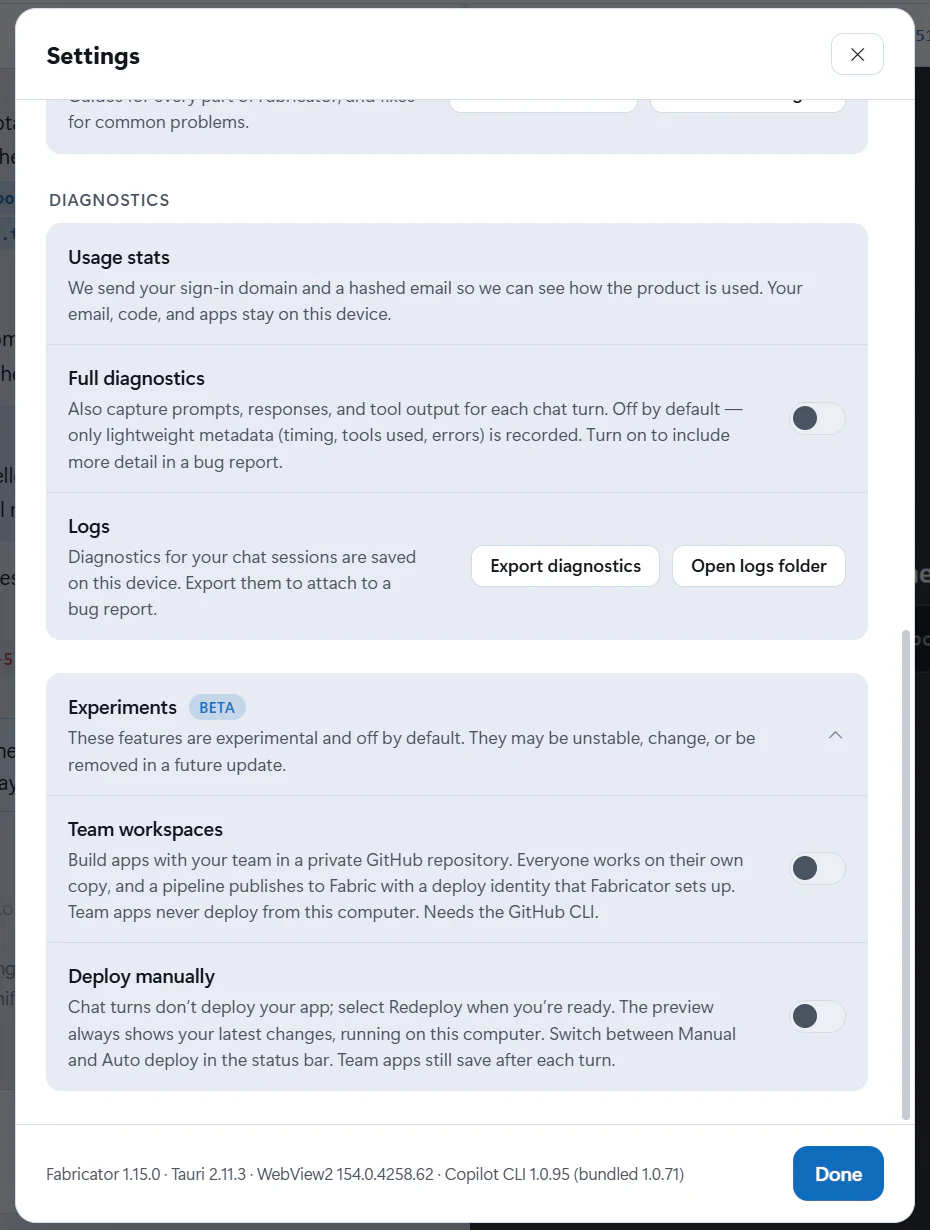
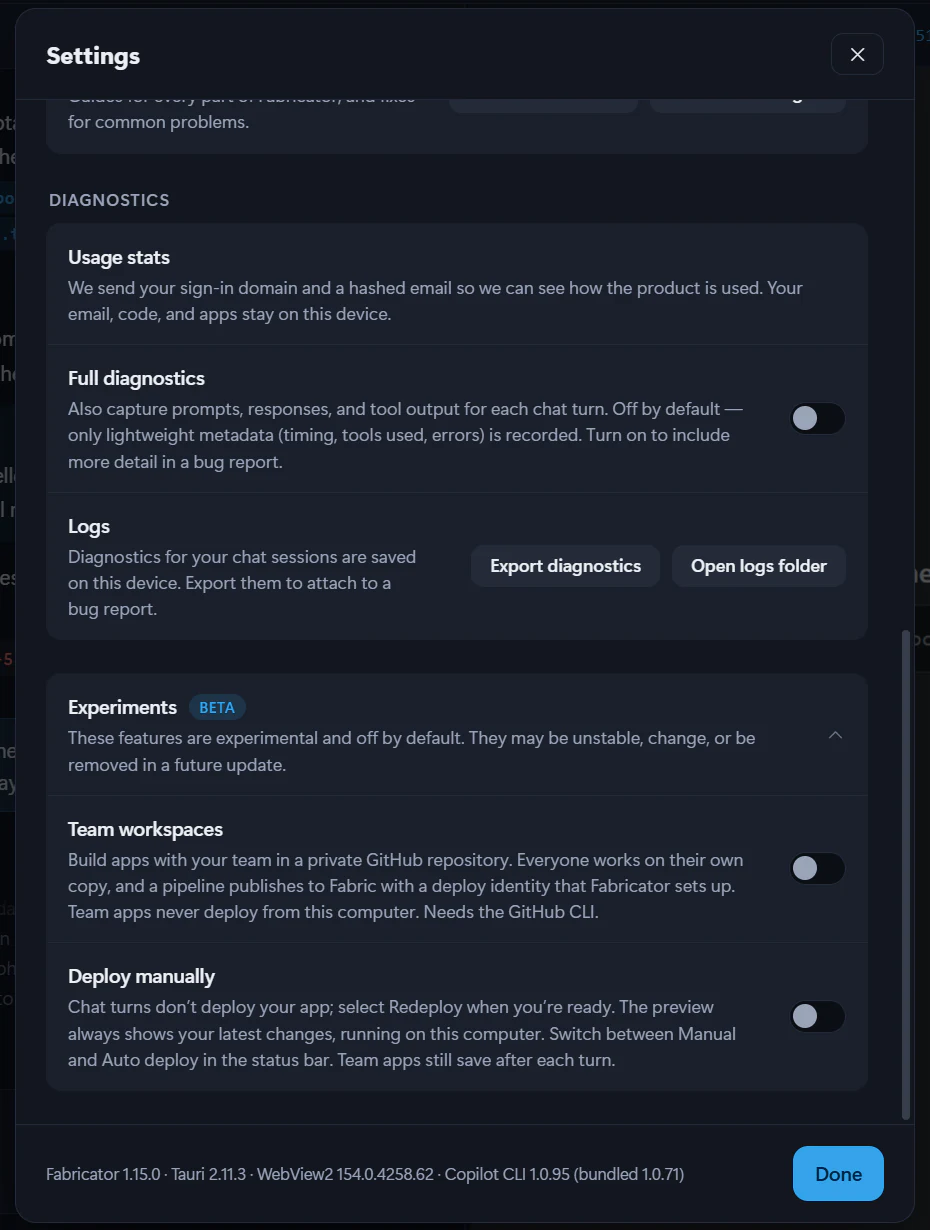
Turning the experiment off hides team workspaces and team apps in Fabricator. It does not delete the GitHub repository, Fabric workspaces, apps, deploy identities, or local files.